

Content Hub for Joomla
Build cleaner pillar and content cluster URLs in Joomla
Content Hub gives you more control over how Joomla structures your content URLs.
Create your pillar page using a Joomla article or SP Page Builder page, then place the supporting articles directly underneath it without exposing your internal category structure in the URL.
Free Joomla Extension - BETA
Extension type: System Plugin
Current version: 0.3.0
Compatible with: Joomla 5 & 6
Developer: Webstudio Marketing Ltd.
Keep your content cluster simple
Joomla normally lets its menu and category structure influence the URLs it creates. That can leave you with extra folders that make sense in the administrator but add nothing for the visitor.
Content Hub lets you keep the Joomla category structure for organisation while giving the public-facing content a cleaner structure.
Instead of:
/pillar-page/category/cluster-page-article-1
/pillar-page/category/cluster-page-article-2
You can use:
/pillar-page/cluster-page-article-1
/pillar-page/cluster-page-article-2
Use a Joomla article or SP Page Builder page
Your pillar page can be built in whichever way suits the site.
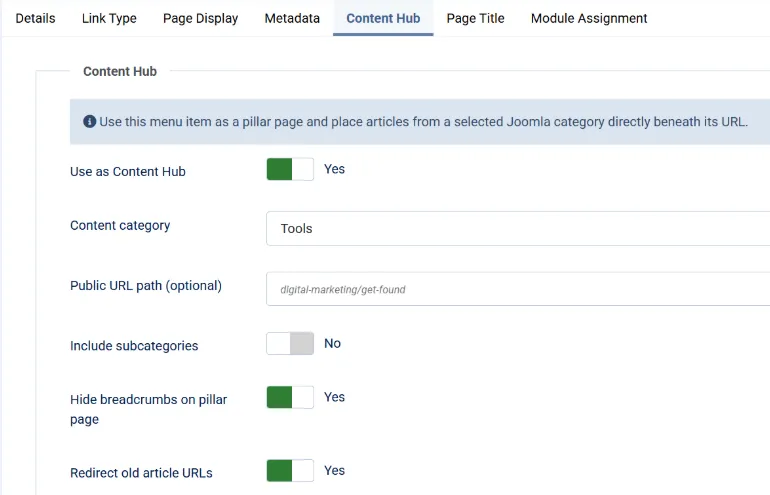
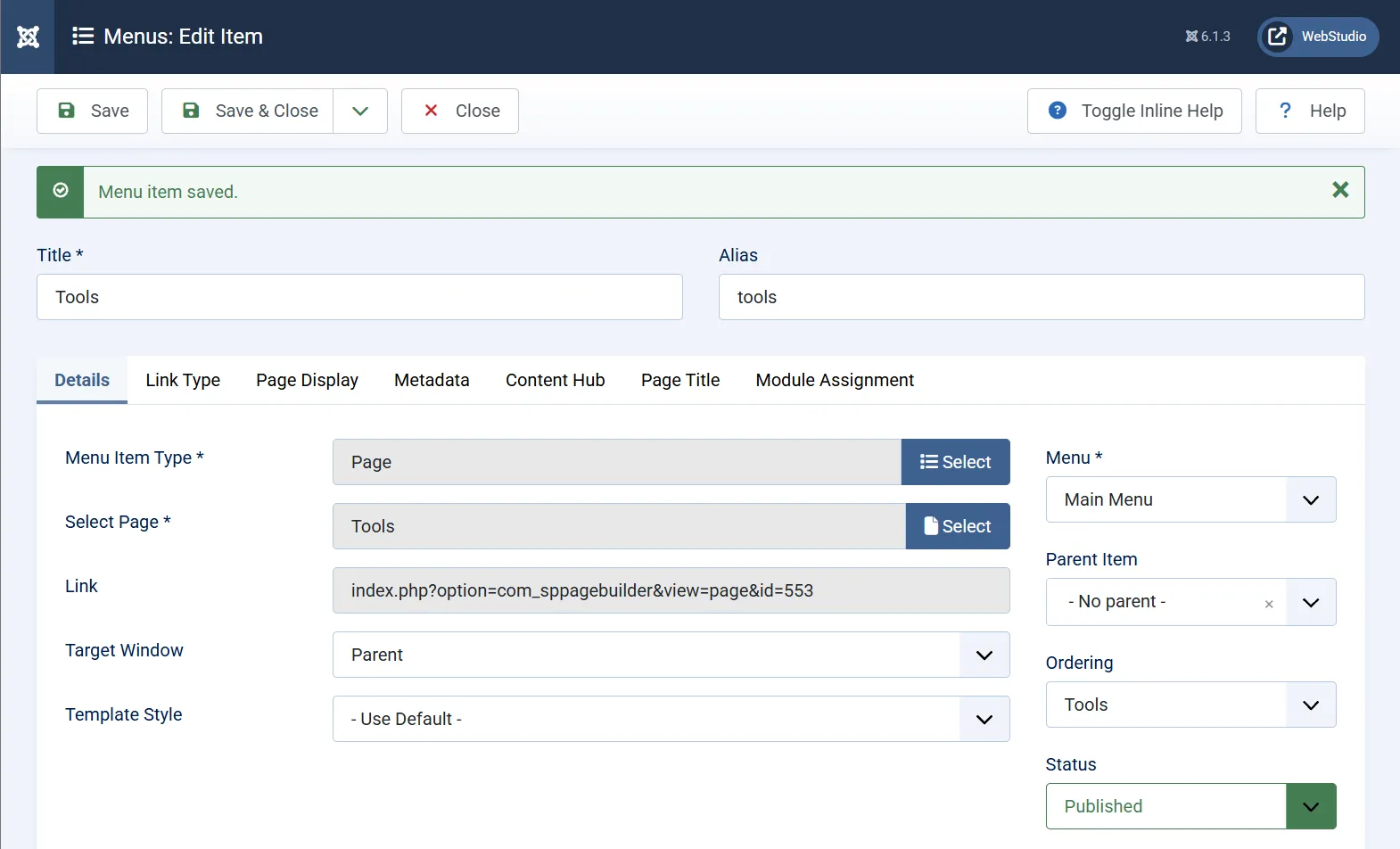
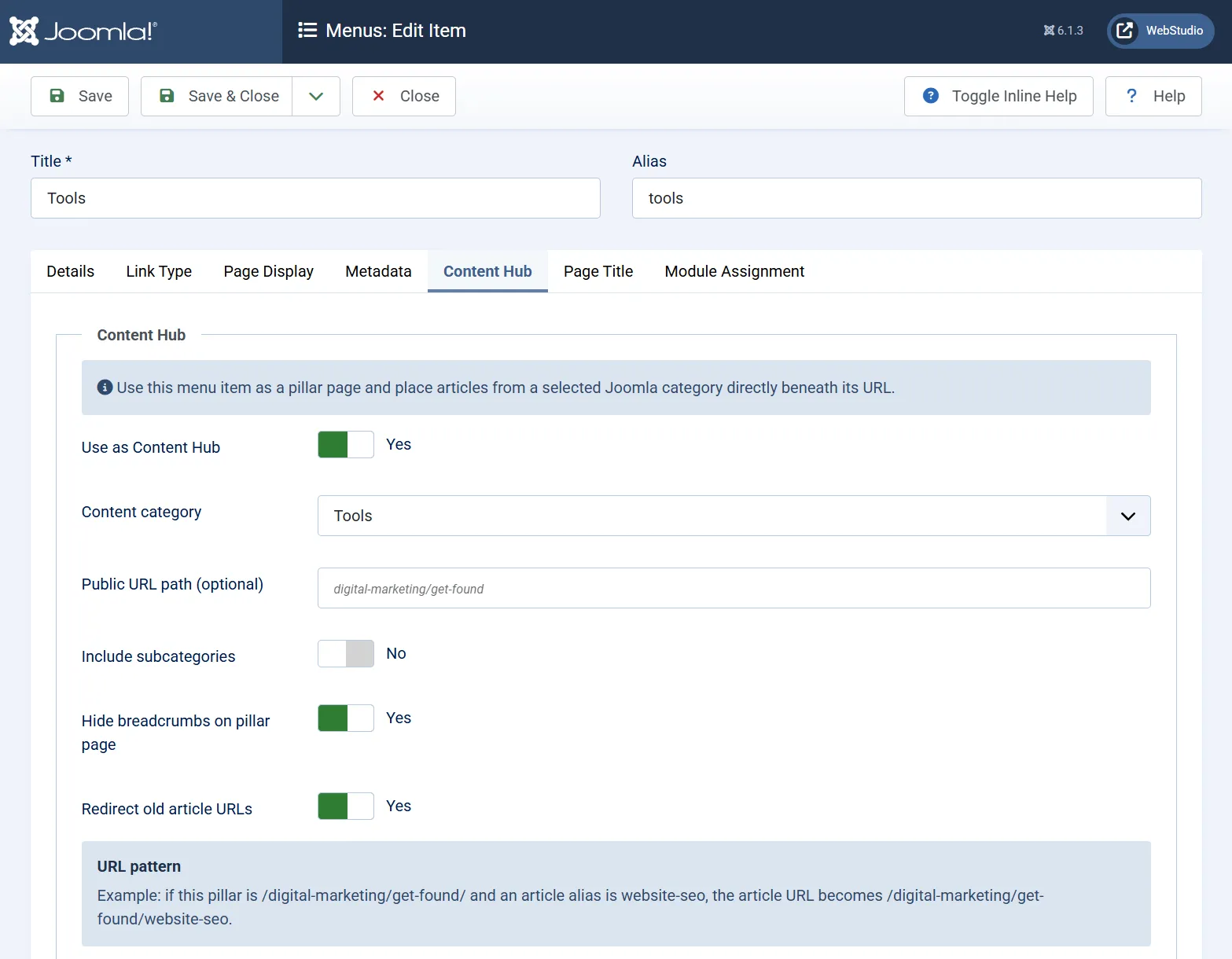
Choose a normal Joomla Single Article menu item or an SP Page Builder page, then enable Content Hub on that menu item and select the Joomla category that belongs underneath it.
Articles in that category are then routed directly beneath the pillar URL.
Your Joomla categories stay behind the scenes
Categories can continue to organise articles in the Joomla administrator without forcing that hierarchy into your public URLs or breadcrumbs.
The plugin also keeps the change reversible. Disable Content Hub and Joomla returns to its normal routing structure.
Built-in safeguards help prevent duplicate category mappings, conflicting aliases and overlapping hub paths.

 01908 392149
 Milton Keynes, MK6
 marketing@


